
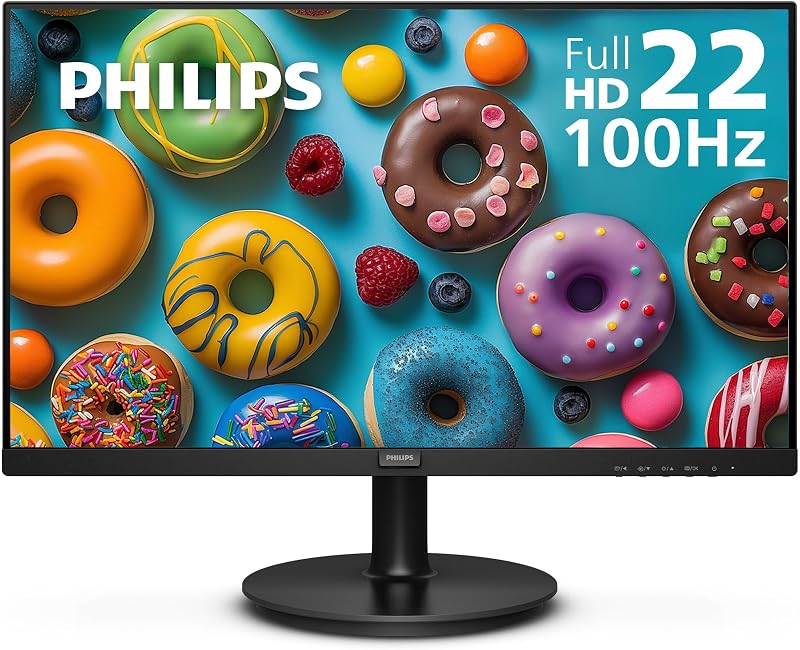
VA vs IPS Panel: 5 Smart Monitor Choices for 2026
Choosing between VA and IPS changes how your monitor handles contrast, color, motion, and viewing angles. This guide compares five practical options for work, games, and compact desks.
We compare products using manufacturer specifications and verified buyer reviews, not hands-on use. When you buy through our links, we may earn a commission. As an Amazon Associate we earn from qualifying purchases. Learn more ›
Displays for work and for gaming
Choosing between VA and IPS changes how your monitor handles contrast, color, motion, and viewing angles. This guide compares five practical options for work, games, and compact desks.

A curved vs flat monitor decision comes down to your desk space, typical workload, and how deeply you want to be immersed. Compare screen shape, resolution, refresh rate, and connectivity before choosing.

An OLED monitor can transform shadow detail and motion, but IPS still makes sense for bright rooms and long workdays. Compare panel strengths through seven gaming-focused monitor options.

Choosing between a 27-inch and 32-inch monitor comes down to desk depth, resolution, and how you work or play. Compare Full HD pixel density, refresh rates, ergonomics, and the right fit for your setup.

A 240Hz display can make fast action look clearer, but it only pays off when your hardware and games can keep pace. Compare resolution, panel behavior, connectivity, and ergonomics before choosing.

Choosing between 1440p and 4K for gaming comes down to your GPU, your monitor size, and how you prioritize frame rate versus visual fidelity. This guide breaks down the real differences and highlights nine monitors across both resolutions to help you decide.

The right gaming monitor size depends on how close you sit, your resolution, and the games you play. Compare 24-, 27-, and 32-inch options with clear guidance for competitive and immersive setups.
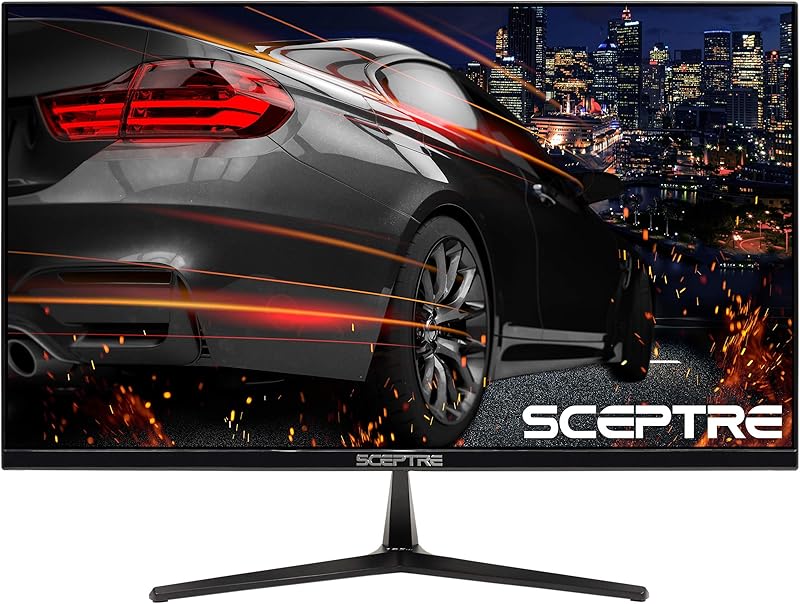
Sixty hertz still works for relaxed, cinematic, and lower-demand games, but it can constrain fast competitive play. Compare refresh rates, resolution, sync support, and monitor options that match your hardware.

Variable refresh rate can erase distracting tearing, but it is not essential for every setup. Learn when G-SYNC or FreeSync matters and how to match it to your GPU, games, and monitor.
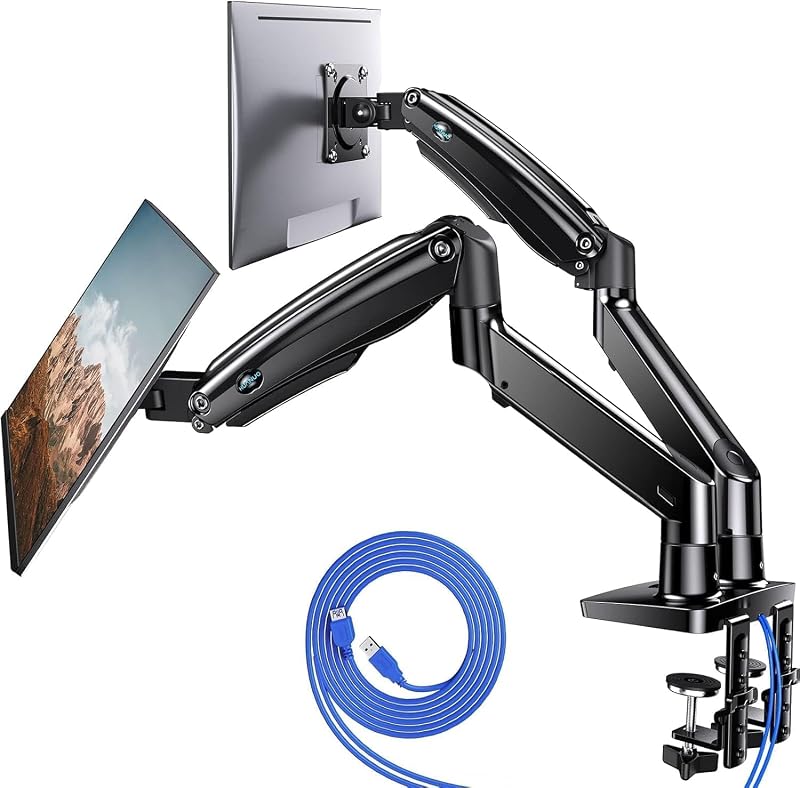
An ultrawide can simplify your desk, while two screens can make separate tasks easier to manage. Compare workspace flow, resolution, ports, and gaming tradeoffs before choosing.